
How to Price Labour on Cabinet Jobs
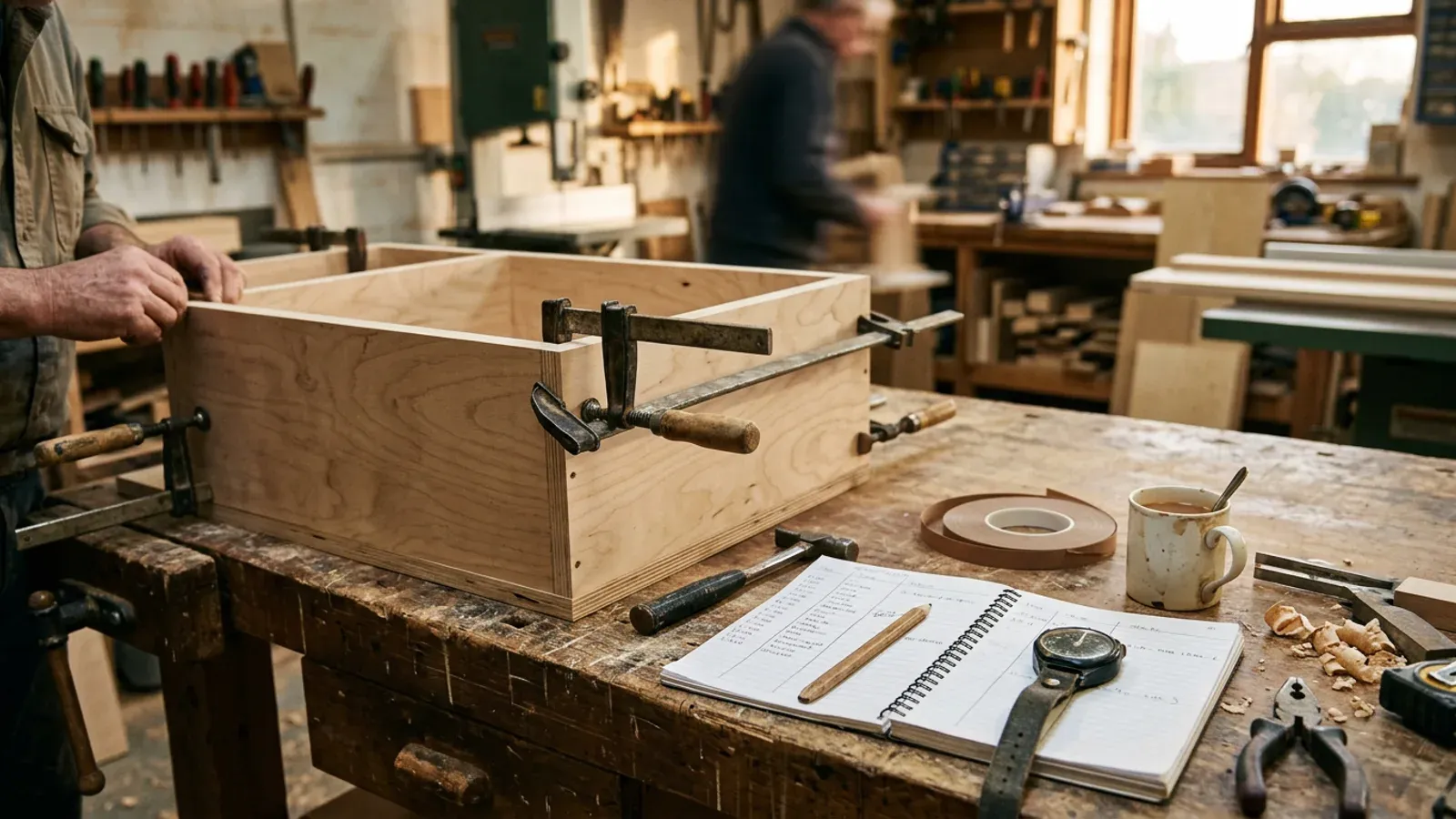
Board has a price on the merchant’s list. Hinges have a price on the box. Your time has whatever number you typed in at eleven at night with the quote due in the morning, and that is usually where the margin goes. Most cabinet makers who lose money on a kitchen didn’t misprice the ply. They misjudged the hours.
How should you price labour on a cabinet job?
Price cabinet labour as hours multiplied by a rate, with each worked out separately and written down. The rate comes from what your workshop costs to run and how many hours you can actually bill in a year. The hours come from breaking the job into tasks and timing those tasks on real jobs. Keep the two apart. A “price per carcass” figure blends them into one number you can’t check, and when a job goes over you have no way of knowing whether the rate was too low or the hours were wrong.
Some shops quote a fixed price per unit or per linear metre, and that’s fine to show the customer. Build that figure from rate × hours underneath, though, so you know what it is made of and can change it when the job is unusual.
How do you work out your hourly rate?
Your hourly rate is your yearly workshop costs plus the wage you want to take, divided by the hours you can actually bill. The divisor is where most rates go wrong. A year has roughly 2,000 working hours in it, but you won’t bill anything like that. Quoting, ordering, chasing payments, maintenance, sharpening, van trips, holidays and quiet weeks all come out of it. Plenty of one-person shops find they bill well under three-quarters of their working hours once they count honestly.
As an example, say the workshop costs £18,000 a year to run (rent, power, insurance, tooling, software, the van) and you want to pay yourself £40,000. That’s £58,000 to recover. If you bill 1,300 hours, the rate is about £45 an hour. Divide by the 2,000 hours you think you work and you get £29, a rate that loses money on every hour you aren’t billing. Your own figures will differ, but the sum works the same way.
Which tasks go into a cabinet labour estimate?
A cabinet labour estimate should list each stage of the job as its own line: setting out and cut list, cutting, edge banding, drilling and machining, assembly, finishing, delivery and fitting. Separate lines make the estimate checkable. When you later find out fitting took twice what you allowed, you fix that one line rather than nudging the whole price up and hoping.
Time those stages on a few real jobs before you trust your numbers. A notebook on the bench works fine: start time and finish time per task, per job. After three or four kitchens you’ll have hours per carcass for cutting and edging that you can stand behind. Fitting varies the most from job to job, so price it from the site, not from the drawing.
Where does labour cost leak out of a quote?
Labour leaks through the hours nobody writes down. Setting out a job and drawing up the cut list takes real time and rarely gets billed. So does the trip back for a missing hinge, re-cutting a part that came off the saw wrong, waiting for a delivery, snagging after the fit and loading the van. None of these is big on its own, but across a kitchen they can add up to a day.
You can catch them with a small contingency line on every job, or with a “site and sundries” task carrying honest hours. Either works, as long as the hours are on the quote somewhere. A related leak is cutting time inflated by bad layouts: a cutting plan with fewer, straighter cuts takes less time at the saw. A cut list optimiser that shows you the layout before you cut lets you see that up front.
How does Cutzilla handle labour on a quote?
Cutzilla adds labour to a quote as separate task lines, each with a name, a rate per hour and a number of hours. The quote works out each line’s cost and totals the lot. Labour belongs to the quote it was entered on, so a good, better and best set of options can each carry their own hours. You add materials from the optimised cut list, set your markup and tax, and Cutzilla produces a branded PDF quote with labour shown as its own line.
Because Cutzilla keeps the rate and the hours as separate figures on each line, you can look back at a job that ran over and see which task took longer than you priced. The full flow is on the cabinet quoting software page, and the quoting workspace is part of the Pro plan; the pricing page shows what each tier includes.
Try it free. Cutzilla turns your cut list into a costed, branded quote in the browser, with labour as its own line. Start free. Every new account gets 14 days of Pro, quoting included, with no card required.