
Wood Shop Management Software: What a Small Shop Needs
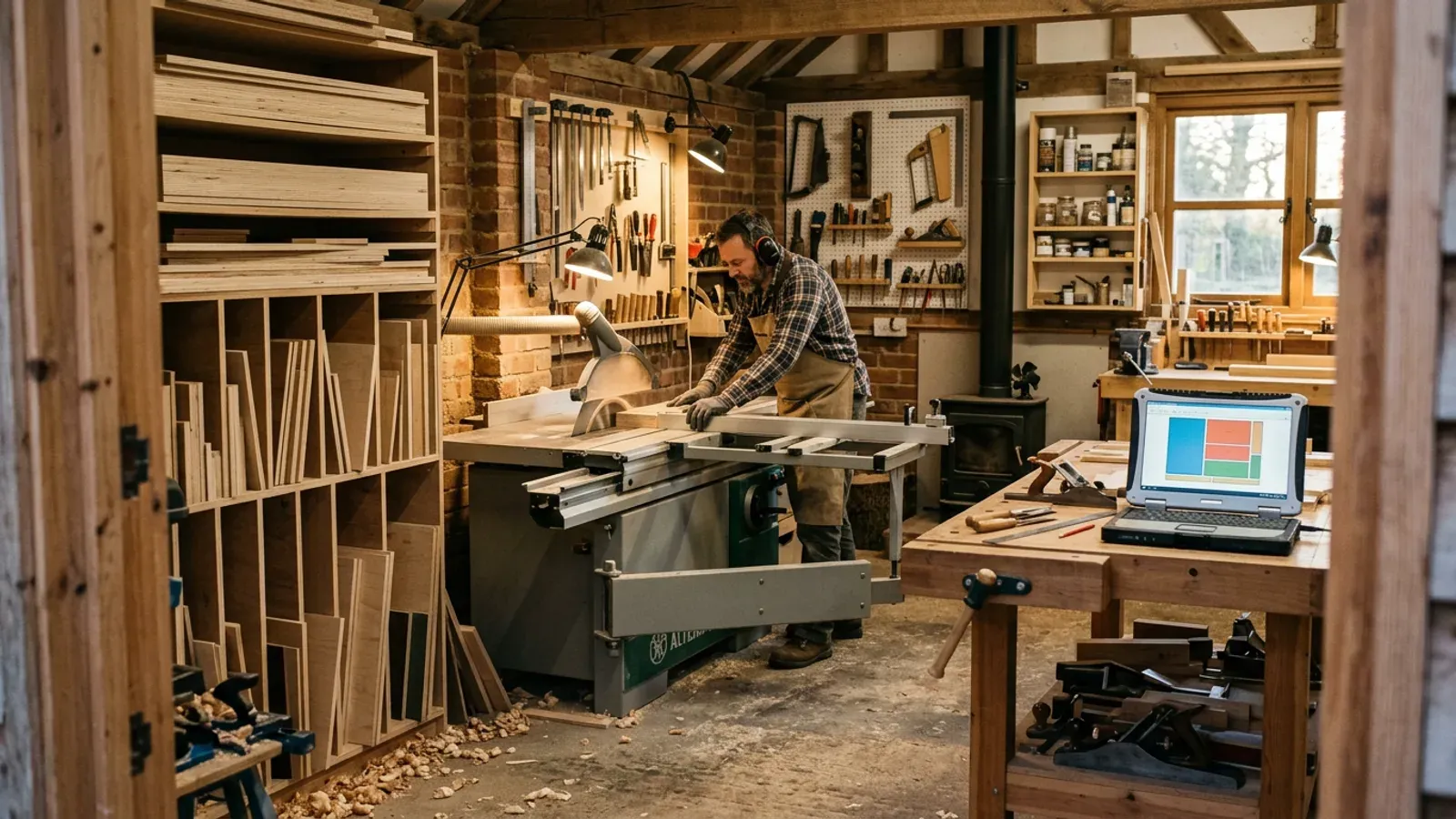
Search for wood shop management software and you’ll find two kinds of thing: enterprise systems built for factories with a production manager, and spreadsheets someone shared on a forum. A three-person cabinet shop fits neither. You don’t need a scheduling board for forty machines. You need the quote, the cut list and the stock rack to agree with each other, without someone keeping them in step by hand at night.
What is wood shop management software?
Wood shop management software is any tool that keeps the business side of a woodworking shop in one place: what you quoted, what you’re cutting, and what material you have. In a large joinery firm it can cover production scheduling, purchasing, payroll and machine time. In a small shop it usually comes down to three connected jobs. Price the work, plan the cuts, and keep track of the board. The tools that help a small shop most are the ones that connect those three, so a change in one shows up in the others.
What does a small woodshop actually need?
A small woodshop needs a quote built on the real job, a cut list that tells the saw what to do, and a stock count it can trust. Those three cover most of the money in a cabinet job: the price you charge, the board you buy and the waste you throw away.
The quote should be built from the parts and sheets the job really needs, with labour, markup and tax on top, and sent as a document that looks like it came from a proper business. The cut list should lay those parts out on your real sheet sizes, allowing for your blade’s kerf and the grain on parts where it shows, so you know how many boards to buy. The stock count should include usable offcuts as well as full sheets, or you’ll keep buying board you already own. Labels on parts and offcuts help on the shop floor, so things can be found and booked back into stock.
Everything else can wait until the shop is big enough to miss it.
Why do separate tools cause trouble in a small shop?
Separate tools cause trouble because every one of them holds its own copy of the job, and the copies drift apart. The quote lives in a spreadsheet, the cut list in an optimiser, the stock count in another spreadsheet or in someone’s head. Change a carcass and the cut list updates, but the quote doesn’t. Cut the job and the stock figure stays where it was. Each gap is small. Together they’re why shops quote a job at one board count, cut it at another, and still go to the merchant for sheets that were sitting in the rack.
Connected tools close those gaps. When the quote is built from the optimised cut list, and the cut list knows what stock you hold, a change in one place flows through to the others.
What can a small shop leave out?
A small shop can usually leave out production scheduling, machine-time tracking, payroll and full accounting, at least to begin with. These matter when you run several crews and dozens of jobs at once. Under that size a whiteboard or a shared calendar does the scheduling, and your accounting package already handles invoices and VAT. Paying for an all-in-one system that does these badly is worse than using a simple tool that does them well.
The test for any software is whether it removes a job someone currently does by hand, or adds another screen to keep up to date. If it adds a screen, leave it out.
Where does Cutzilla fit in a small shop?
Cutzilla covers the three connected jobs: quoting, cut lists and inventory, in the browser on any device. You enter the parts, and Cutzilla’s cut list optimiser lays them out on real sheet sizes and tells you how many boards the job needs. The quoting workspace builds a branded quote from that same cut list, with your labour, markup and tax. The inventory side keeps a count of full sheets and the offcuts each job leaves behind, and printed QR labels let you scan an offcut to book it back into stock.
Cutzilla doesn’t do invoicing, payroll or production scheduling, and doesn’t pretend to. Keep those in the tools you already use. The quoting and inventory side is on the Pro plan, and the optimiser is free to start.
Try it free. Cutzilla keeps your quotes, cut lists and stock in one place in the browser. Start free. Every new account gets 14 days of Pro, quoting and inventory included, with no card required.