
How to Cut Plywood Waste on a Cut List
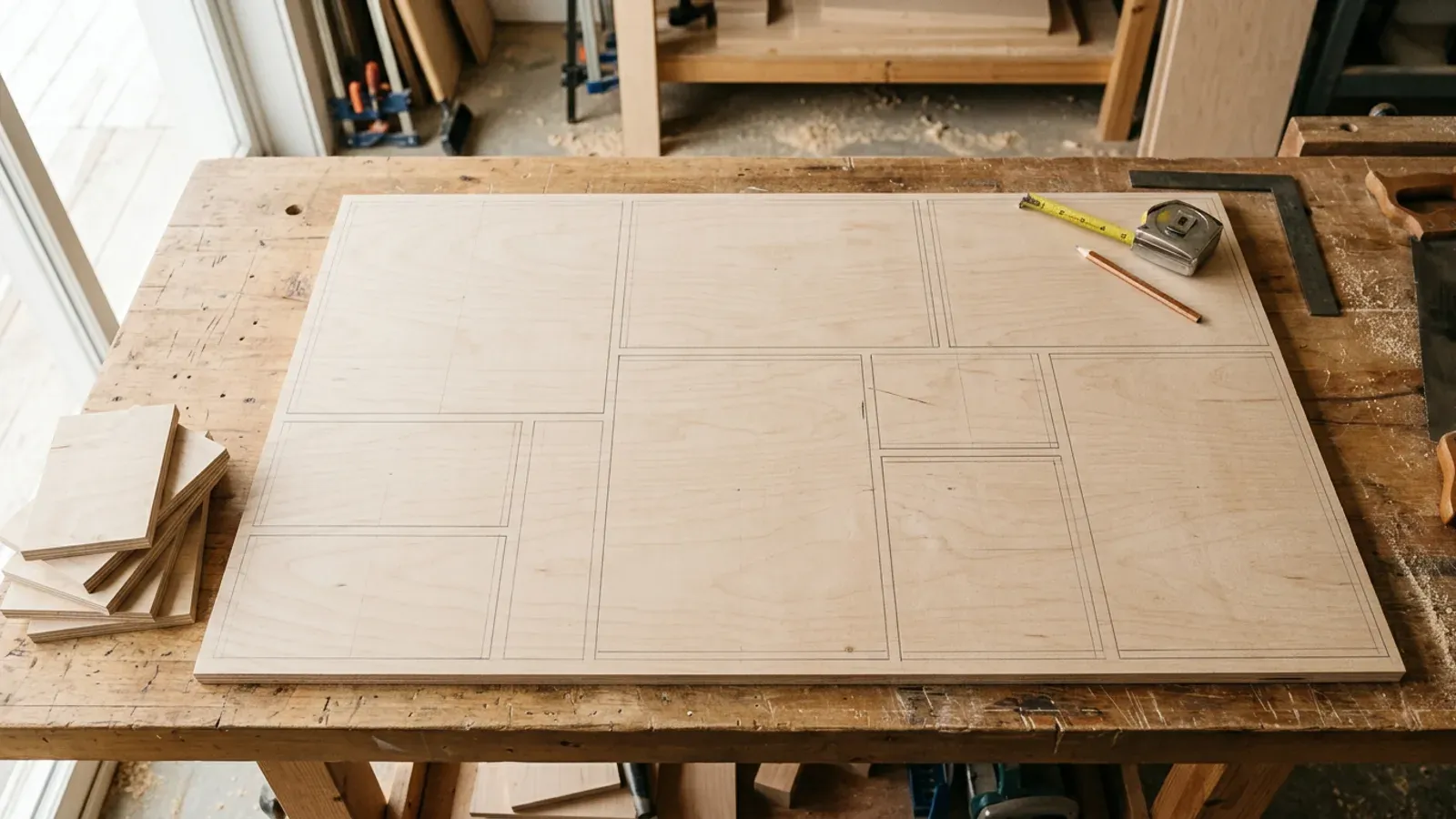
Every sheet of 18mm birch ply you buy and don’t fully use is margin left on the workshop floor. Most shops lose more of it on the cut list than at the saw, in how the parts are arranged across the board rather than how cleanly they are cut.
Why does a cut list waste so much plywood?
A cut list wastes plywood mainly through poor part layout, not poor sawing. When parts are placed board by board in the order they were typed, gaps open up between them and the leftover strips end up too small or too odd-shaped to use. The damage is quiet: a few inches lost at the end of one board, a part that won’t sit next to another because the grain is locked, a half-used sheet that gets stood against the wall and forgotten.
Multiply that across a kitchen’s worth of carcasses and you have bought a sheet you never needed. The fix is rarely a sharper blade or a better saw. It is arranging the same parts on fewer boards before a single cut is made, which is what a cut list optimiser is for.
How do you reduce plywood waste on a cut list?
You reduce plywood waste on a cut list by packing parts tightly across the whole job at once, allowing for the saw kerf, respecting grain only where it shows, and treating usable offcuts as stock instead of scrap. In practice that comes down to five levers:
- Nest the whole job at once, so parts from different cabinets can share a sheet.
- Allow for the kerf, so the layout that looks right on screen still fits at the bench.
- Lock the grain only on show faces, and leave the rest free to pack tighter.
- Keep the offcuts that are big enough to become real parts later.
- Compare layouts instead of trusting the first arrangement you get.
Cutzilla gives you two cutting strategies: a rip-first one for clean strip cuts, and a tighter one for maximum yield. Every run packs the job with both and keeps the better layout, and each strategy also tries the sheet both ways round and keeps its own winner. The sheet cutting calculator page covers what that does with a job like yours, and the algorithms page shows how the strategies differ.
How much does the saw kerf actually cost you?
Kerf is the slice of material the blade turns into dust on every pass, usually around 3 to 4mm wide. On a single sheet with twenty-odd cuts that adds up to a part’s worth of plywood, and if your layout ignores it the parts simply won’t fall where the plan promised. Worse, a layout that doesn’t allow for kerf can look efficient on paper and then leave you one panel short at the saw.
Cutzilla builds the kerf into every layout, so the plan you cut to is the plan you measured. There is no quiet drift between the screen and the bench. You set your blade’s kerf once and Cutzilla applies it to every cut. If you want to see how the plan becomes a guided cutting sequence, how it works walks through it.
Does grain direction change how much you waste?
Yes. Locking parts to the grain direction limits how many ways they can be packed, so a grain-constrained job will always waste a little more board than a free one. That is a trade-off worth making on a visible cabinet side and a waste of good ply on an internal divider nobody sees. Grain handling is ordinary kit in cutting software, so this is about using it judiciously rather than treating it as a trick.
The practical move is to lock grain only where the face is on show and leave the rest free. Cutzilla lets you set grain per part, so the panels that need to run the right way do, and the hidden parts pack in wherever they fit best. You keep the look without paying for it in extra sheets.
Can offcuts turn waste back into stock?
The biggest single win is treating usable offcuts as stock rather than scrap. The board left over from this kitchen is the drawer bottoms for the next one, but only if you can find it and trust its size. Stood in a corner with no record, an offcut is just clutter that quietly becomes a reason to buy another full sheet.
Cutzilla flags the offcuts a job produces that are worth keeping, so leftover plywood re-enters the next cut list as real, sized stock instead of disappearing. That is where waste stops being a cost and starts being inventory. You can see how offcut detection fits the rest of the workflow on the features overview, or how leftovers become tracked stock on the offcut management page.
What is the fastest way to stop over-buying sheets?
The fastest way to stop over-buying plywood is to lay out the whole job before you order the boards, with kerf and grain already accounted for. That turns “buy a couple of extra sheets to be safe” into an exact number, and the safety margin you used to throw away becomes margin you keep. It is the same parts, the same saw and the same shop; only the order of operations changes.
Cutzilla packs every job with both strategies and keeps the better layout, so you are not left guessing which one suits the job. You can see how its approach stacks up on the comparison.
Try it free. Cutzilla optimises your cut list in the browser, so there is no install and it runs on any device. Start free.
Want offcut tracking and multi-quote costing as your shop grows? That is the Pro plan, and every new account gets 14 days of it free.