
Saw Kerf: The 3mm That Eats Your Sheets
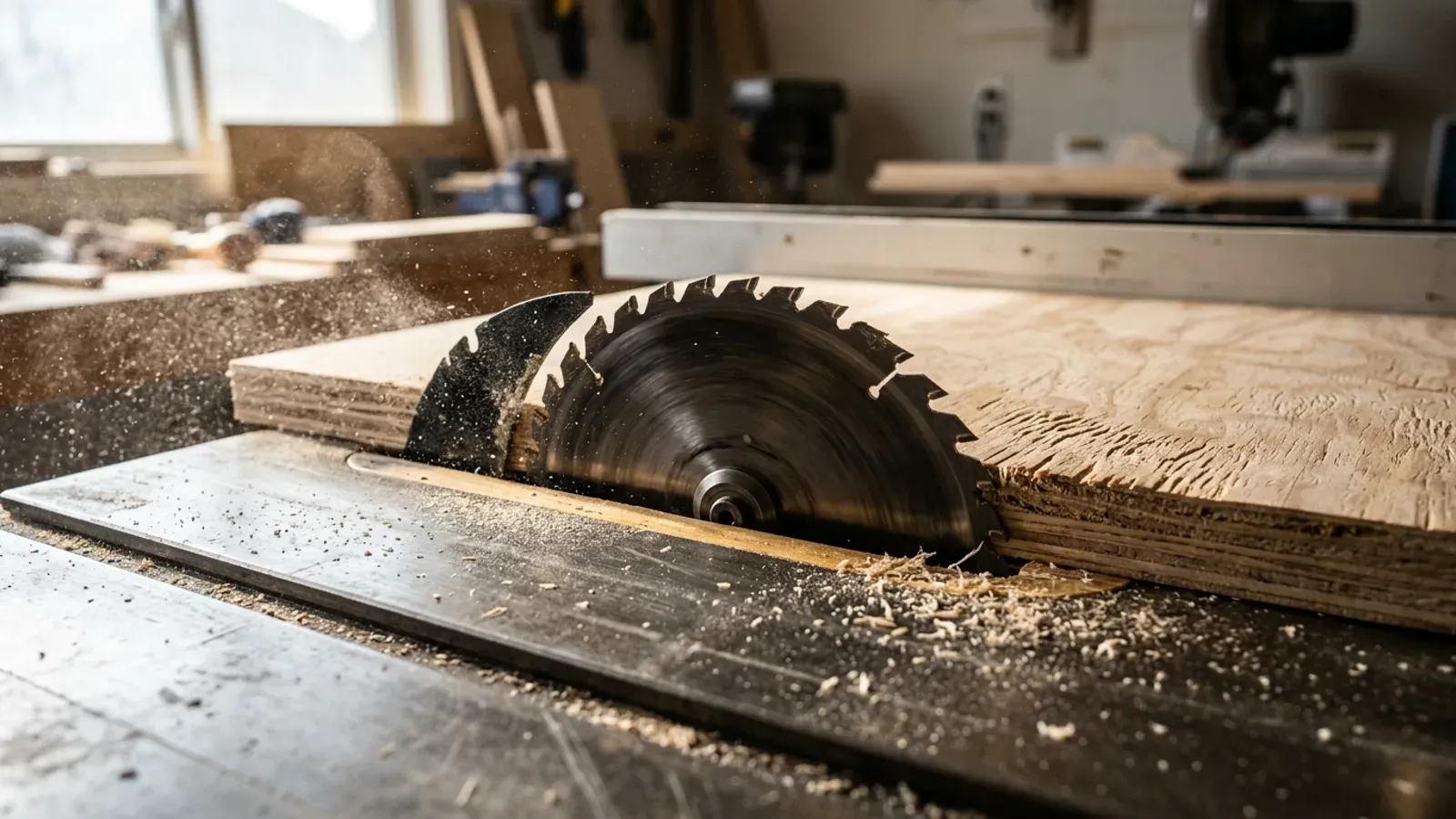
You laid the sheet out carefully, the parts all fitted on paper, and the last piece in the strip still came up 6mm short. Nothing moved and nothing was mismeasured. The blade took it. Kerf is the quietest way a cutting plan goes wrong, because the error is invisible until the final part of the day does not fit.
What is saw kerf?
Kerf is the width of material the blade turns into sawdust on every cut. On a typical table saw or panel saw blade that is somewhere between 2.4mm and 3.2mm, and a track saw sits in the same range. The number sounds too small to matter, which is exactly why it catches people: no single cut costs you anything you would notice, but a sheet is not cut once. Every part boundary in your layout is a kerf’s worth of board that no part gets to keep.
Kerf is a property of your blade, not your saw, so it changes when the blade does. A thin-kerf blade might take 2.4mm where a heavy rip blade takes 3.2mm, and a scoring blade setup on a panel saw has its own footprint. If you have never measured yours, cut into scrap and measure the slot.
How much board does kerf actually cost?
Across one full sheet, kerf typically consumes a strip the size of a small part. A busy layout on a 2440 x 1220 sheet can easily carry thirty cuts; at 3mm each that is roughly 90mm of usable width turned to dust, gone from every sheet in the stack. On a kitchen’s worth of carcasses running eight or ten sheets of 18mm birch ply, kerf quietly disposes of well over a square metre of board before anything is built.
You cannot get that material back, because kerf is physics rather than sloppiness. What you can do is lay out so the dust falls in the right places: kerf in the middle of a would-be offcut costs nothing, while kerf between two tightly nested parts is the difference between the last part fitting and the last part joining the scrap pile.
Why do hand layouts get kerf wrong?
Hand layouts fail on kerf because people space parts by their finished sizes and forget the blade needs its own lane between every pair. Draw four 305mm rails side by side in a 1220mm width and the paper says they fit exactly. The saw disagrees: three cuts between the parts at 3mm each means the fourth rail comes off the sheet 9mm short. The error is cumulative, so it always lands on the final part in the strip, which is how a plan that looked fine on paper produces a piece that is a whisker under size.
Spreadsheet layouts inherit the same fault when the formula divides sheet width by part width. Anything that counts parts without counting the gaps between them is optimistic by one kerf per cut, and on a long rip sequence that optimism compounds fast.
How does cutting software handle kerf?
Any serious cut list optimiser treats kerf as a first-class number: you tell it your blade width and it inserts that gap between every pair of parts before deciding what fits. That single habit removes the whole class of last-part-too-short mistakes, because the layout on screen is the layout the saw can actually produce. In CutZilla you set the kerf once and every layout respects it, including the automatic pass where CutZilla runs your job in both orientations and keeps the lower-waste result, with the blade width honoured in each. You can see where kerf fits in the workflow on the how it works section.
The one thing software cannot do is know your blade. Measure the kerf your actual saw leaves in your actual stock, enter that, and update it when you change blades. A layout built on a guessed kerf is just a neater version of the hand-drawn mistake.
What should you do before your next sheet?
Measure your real kerf, then rerun a recent job with it and see what changes. Cut a slot in scrap, measure it with callipers, and use that number rather than the one on the blade packet, since the wobble of a worn arbor or a scoring pass can widen it. Then drop a recent cut list into the free sheet cutting calculator with the measured kerf and compare it against what you actually cut. If the last part of that job was tight, you will usually find the missing millimetres were the blade’s all along.
Try it free. CutZilla builds kerf into every layout and checks both orientations for the least waste, in the browser, no install. Start free.