
Sheet Cutting Direction: Which Way First?
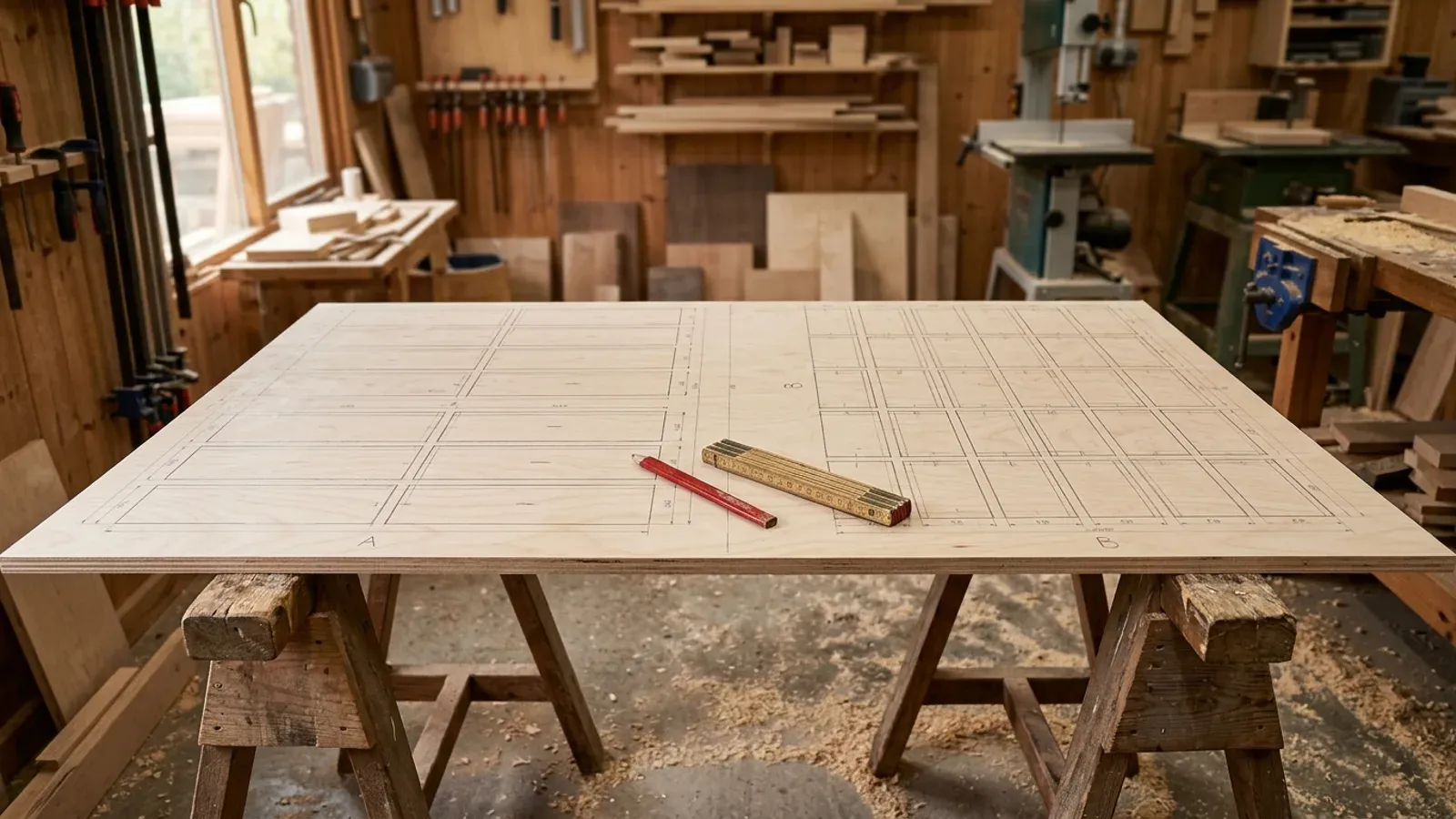
Most shops lay a job out the same way every time: parts running along the length of the board, because that is how the software defaults and that is how it has always been done. Nobody re-runs the job the other way round to check. On some cut lists that habit costs nothing. On others it costs a strip of 18mm birch ply you paid good money for.
What is cutting direction on a sheet layout?
Cutting direction is the orientation of the layout on the board: whether parts are arranged running along the sheet’s length or across its width. The same cut list arranged the two ways round produces two different layouts, each with its own waste figure and its own offcut shapes. It is a separate decision from your cutting strategy (rip-first strips versus tightest packing): whichever strategy you cut with, the layout can still be run in either direction.
Think of it like loading a van. The same boxes fit differently depending on which way you turn them at the door, and sometimes turning one box frees a whole extra row. A sheet is no different: the direction you commit to before the first cut decides what the rest of the board can hold.
Does cutting direction really change how much board you waste?
Cutting direction changes waste by more than most shops expect. When parts run one way, the leftover space collects in one long strip; run the other way, the same leftover area can end up as a wide, usable drop instead of a sliver you bin. On a mixed cut list, one direction will often fit an extra part on the first sheet that the other direction pushes onto a second board. Across a kitchen’s worth of carcasses, that is how a job creeps from nine sheets to ten.
The catch is that you cannot tell which direction wins by looking. It depends on the exact mix of part sizes, the sheet size, the kerf, and any grain constraints that stop parts rotating. The only honest way to know is to lay the job out both ways and compare, which almost nobody does by hand because it doubles the layout work for an unknown payoff.
Why do most cutting tools default to length-first?
Most cutting software treats cut direction as a manual setting, and length-first is the convention, so the default quietly becomes the decision. Tools like CutList Optimizer and Cutlist Evolution let you switch the direction, but you have to think to do it, run the job again, and compare the two results yourself. Under time pressure, on a Friday, with a customer waiting on a quote, that second run does not happen.
That is not a criticism of the shops using those tools. It is a sensible response to how the tools work: when checking the alternative costs a re-run, the default wins. The result is that a lot of jobs are cut in whichever direction the software happened to start with, not the direction that wastes the least board.
How does CutZilla choose the cutting direction?
CutZilla removes the decision by trying both. Within whichever cutting strategy you have picked, CutZilla lays the job out vertically and horizontally, then keeps the orientation that wastes less board and leaves better offcuts. There is no direction setting to remember and no second run to compare, because the comparison happens automatically on every optimisation. You can see how this fits into the two strategies on the algorithms breakdown, and how the approach lines up against other cutting tools in the comparison table.
To be clear about what is and is not automatic: choosing between CutZilla’s two strategies, CODA for clean rip-first strips and LEDGE for tightest yield, stays your call, because the best strategy depends on your saw, not on the maths. The orientation check inside your chosen strategy is the part a machine genuinely does better than a person, so that is the part CutZilla does for you.
What should you do with your next cut list?
Run it both ways and see what the direction is worth on your own parts. If you do your layouts by hand, pick your most recent job and rough out the other orientation; the result will either confirm your habit or pay for the ten minutes. Or paste the cut list into the free sheet cutting calculator and let it do both runs at once. The waste figure it returns is the one the length-first default has been hiding.
Try it free. CutZilla lays out every job both ways round and keeps the lower-waste layout, in the browser, no install. Start free.