
Track Sheet-Goods Inventory Without a Spreadsheet
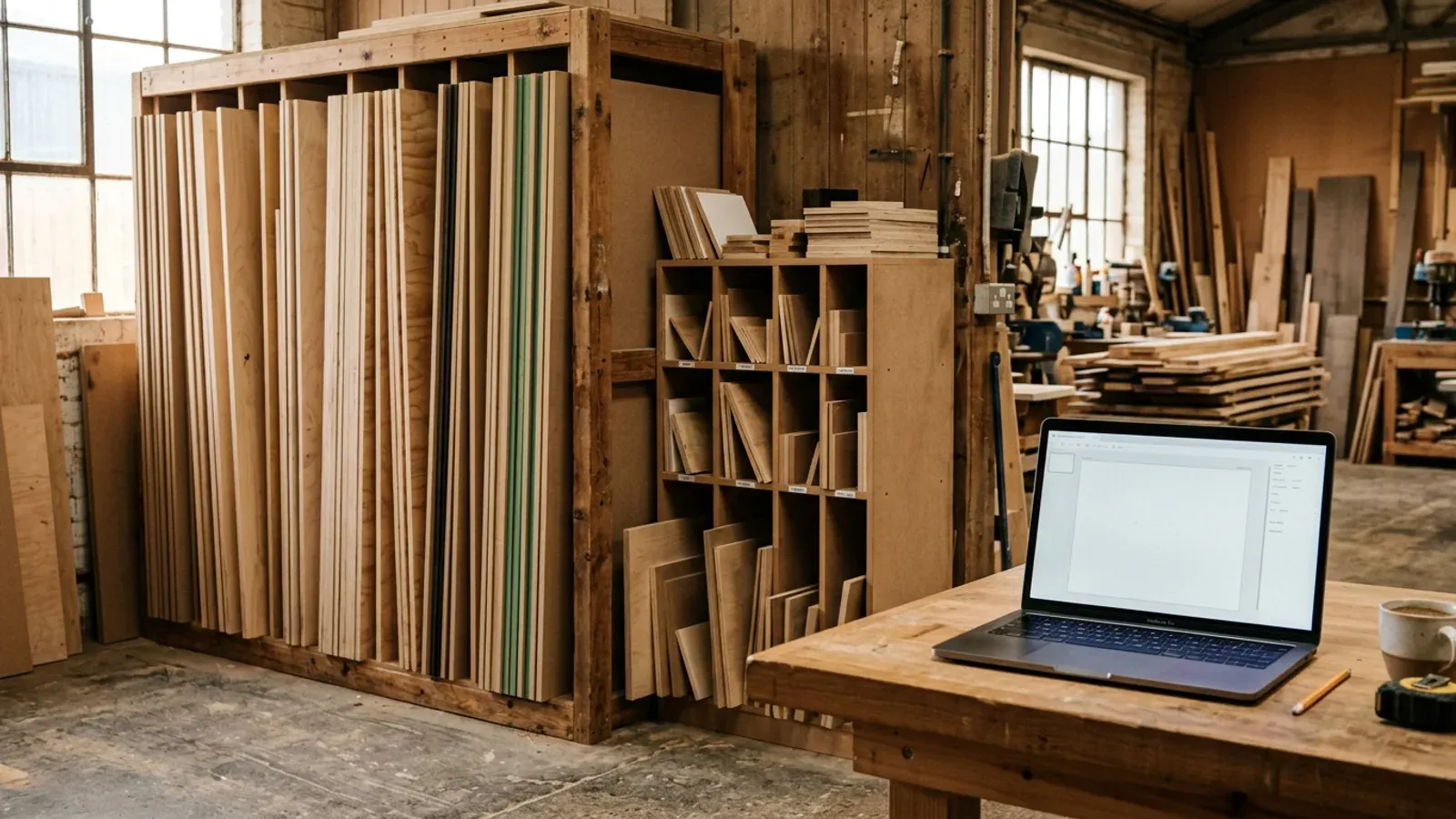
You know roughly how much 18mm birch ply is in the rack, until you need to know exactly and you are standing at the merchant guessing. Sheet-goods inventory is the stock you cut every day, and it is the hardest to keep count of, because every job changes it and nobody stops to write it down. Most shops track it in their head or in a spreadsheet, and both are wrong by the end of the week.
Why does a spreadsheet fail at sheet-goods inventory?
A spreadsheet fails at sheet-goods inventory because it is a snapshot and your stock is a moving target. The count is only right for as long as nobody cuts anything, which in a working shop is about ten minutes. You cut a job, take three sheets and make five offcuts, and unless someone opens the file and updates every row by hand, the number on screen is already fiction. The work of keeping it current is exactly the work everyone skips when the saw is running.
The deeper problem is that a spreadsheet does not know about offcuts. It might track full sheets, but the usable half-boards from yesterday’s kitchen never make it into a row, so your real stock, full sheets plus keepable offcuts, is never in one place. You end up buying board you already own because the inventory only counted half of what you had.
What does good sheet-goods inventory actually track?
Good sheet-goods inventory tracks three things together: full sheets by material, usable offcuts by size, and what each job consumes as it happens. Full sheets are the easy part. The value is in the other two, because the offcuts are free stock you already paid for, and tying consumption to jobs is what keeps the count true without anyone maintaining it by hand.
The point is that the three move as one. When a job takes two sheets and produces a large offcut, a real inventory drops the sheet count, adds the offcut, and does it because you cut the job, not because someone remembered to type it in. That is the difference between a number you trust at the merchant and a spreadsheet you quietly stopped believing weeks ago. Track stock, offcuts, and consumption in one place and you always know what board you have.
How do you keep the count current without extra admin?
You keep inventory current by letting it update from the cut list you already make, instead of as a separate chore. If planning a job also records what it consumes and what offcuts it leaves, the count stays true on its own, and the admin disappears into work you were doing anyway. Nobody has to keep a file in step with the workshop, because the workshop keeps the file.
This is where Cutzilla is heading. It already flags the keepable offcuts each job produces so leftover board becomes tracked, sized stock rather than a pile in the corner, which you can see on the features overview and the offcut management page. Fuller sheet-goods inventory, where your stock updates as you plan and cut, is the natural next step and part of the Pro plan: see how Cutzilla approaches woodworking inventory. Until it lands, start with offcuts, because they are the stock a spreadsheet always misses.
What is the quickest way to stop over-buying board?
The quickest way to stop over-buying is to check your real stock, full sheets and offcuts, before every order, and keep that stock somewhere that stays current on its own. Over-buying is almost always an information problem: you buy a safety sheet because you cannot quickly confirm what is in the rack. Remove the doubt and the safety buying goes with it.
Start by getting your offcuts counted, since that is the board most shops own and forget. Once leftover material is tracked stock instead of clutter, the guesswork at the merchant drops, and the count you glance at before ordering is one you can act on. That is inventory earning its keep: fewer sheets bought, on the same jobs, because you finally know what you already have.
Try it free. Cutzilla optimises your cut list and flags keepable offcuts in the browser, with no install on any device. Start free.
Want your sheet goods and offcuts tracked as live stock you plan against? Join the Pro waitlist.