
What Is a Cut List Optimiser? A Shop Guide
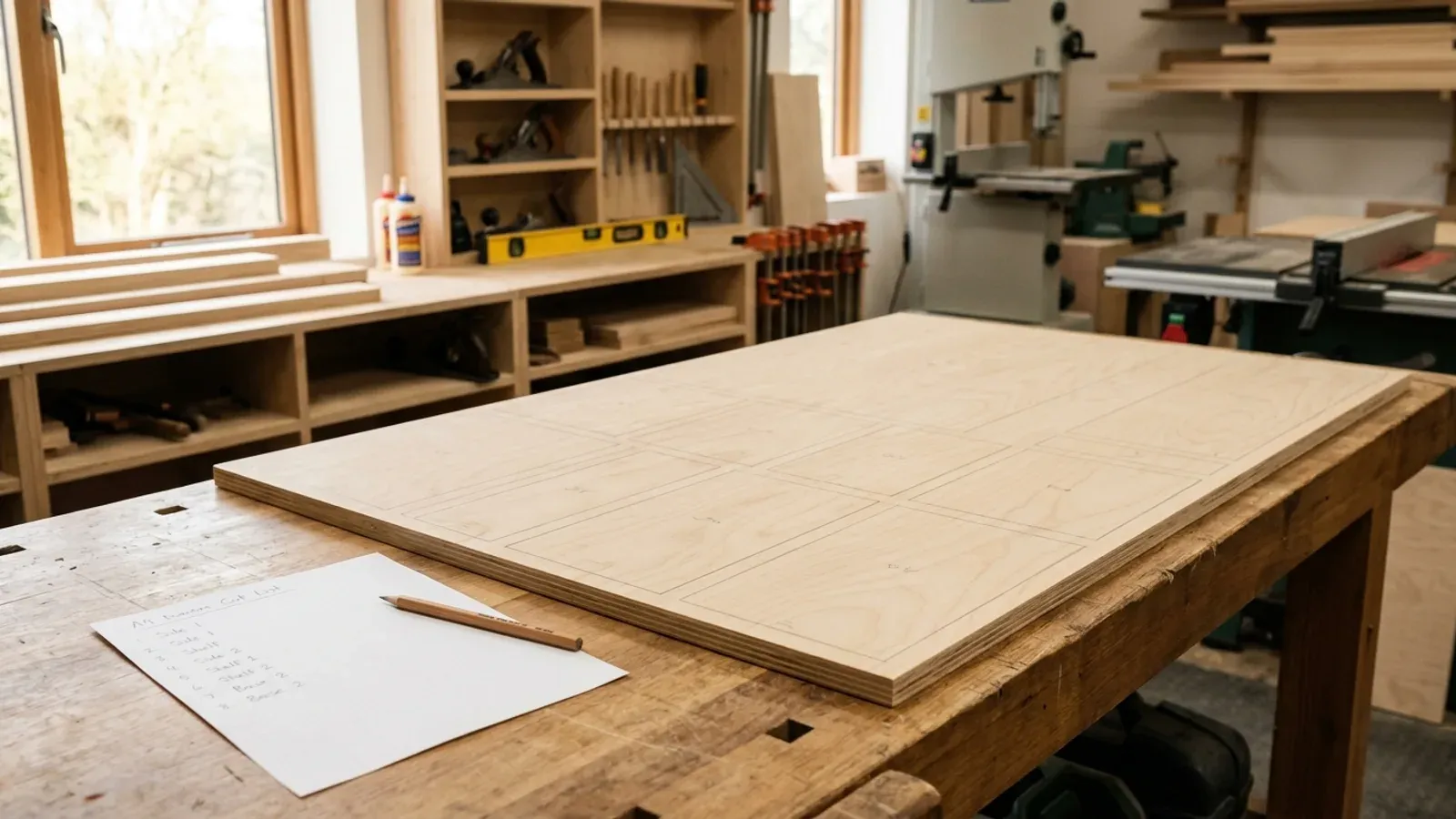
You cut sheets for a living, and every job starts the same way: a pile of parts and a stack of 18mm birch ply, and a rough guess at how many boards it will take. Guess high and you have bought sheets you didn’t need. Guess low and you are back at the merchant mid-job. A cut list optimiser exists to take the guess out of that number.
What is a cut list optimiser?
A cut list optimiser is software that takes your list of parts and works out how to fit them onto the fewest sheets before you make a single cut. You type in the panels you need with their sizes and quantities, tell it your board size, and it arranges everything into a cutting layout that packs the parts tightly across each sheet. The result is a plan: this part here, that part there, this many boards in total.
It solves a problem that is genuinely hard to do well by eye. Arranging thirty or forty panels of different sizes onto a sheet so that the leftover space is as small as possible is a packing puzzle, and humans are slow and inconsistent at it. A cut list optimiser does the same puzzle in a second and gives you an exact board count instead of a safe over-order.
What does a cut list optimiser actually do?
A cut list optimiser handles four things at once that are easy to get wrong on paper: layout, kerf, grain and offcuts. Layout is the core job, packing parts to leave the least waste. Kerf is the few millimetres the blade turns to dust on every pass, which a good optimiser subtracts from the board so the plan on screen still fits at the saw. Grain direction locks the parts that must run a certain way on a show face, and leaves the rest free to pack tighter.
Offcuts are the last piece. The usable board left over from a job is stock for the next one, and a cut list optimiser can flag which leftovers are big enough to keep. Put together, that is the difference between a layout that looks right and one that actually falls off the saw the way the plan promised.
Why does a cut list optimiser save money?
A cut list optimiser saves money by turning “buy a couple of spare sheets to be safe” into an exact number. The safety margin you used to throw away becomes margin you keep. On a single kitchen the saving might be one sheet; across a year of carcasses and cabinets it is real money that never left the workshop, on the same parts, the same saw and the same shop. Only the order of operations changes: you lay the whole job out before you order the boards, not after.
The second saving is time. Working out a tight layout by hand takes a joiner twenty minutes and still comes out loose. Software does it instantly, so you quote and order faster and spend the bench time cutting instead of sketching. See the free sheet cutting calculator to put a real parts list through one and watch the board count settle.
Do you need software, or will a spreadsheet do?
A spreadsheet counts your parts; it does not lay them out. It can add up square metres and tell you a rough sheet count, but it cannot arrange thirty panels onto a board, allow for the kerf, or respect the grain, so the number it gives you is always a padded estimate rather than a real plan. That padding is the waste. The moment you want the actual layout to cut to, a spreadsheet stops being enough and a cut list optimiser takes over.
The other difference is where the tool lives. Older cutting software installs on one workshop PC. A browser-based cut list optimiser like Cutzilla runs on any device with no install, so you can price a job on a phone at the merchant or plan a cut on the office laptop, and it is always the current version. You lose nothing by not being tied to one machine.
How do you use a cut list optimiser?
You use a cut list optimiser in three steps: enter your parts, set your board and blade, and read the layout it gives back. First you list each panel with its width, height and quantity, and mark any that must follow the grain. Then you set your sheet size and the kerf your blade cuts. The optimiser packs the job and hands you a numbered layout plus a total board count, which you cut straight from. Cutzilla turns that layout into a guided cutting sequence, so you work through the sheet in order rather than hunting for the next part; how it works walks through the whole flow.
The good ones do one more thing you should look for. Cutzilla lays every job out both ways round, vertical and horizontal, and keeps whichever wastes less board, where a lot of software leaves cut direction as a manual setting you have to guess at.
What should you look for in a cut list optimiser?
Look for kerf handling, grain control, offcut tracking and a layout you can actually follow at the saw, then check how it decides on a cutting strategy. Most jobs cut one of two ways: rip-first with clean strip cuts for a panel or table saw, or a tighter arrangement that squeezes the most parts from each board but asks more of your cuts. There is no single best answer; it depends on how you cut, so a strategy you choose beats one forced on you.
Cutzilla gives you both. It offers a rip-first strategy and a tighter-yield one, you pick the one that matches your saw, and within your choice it automatically tries each layout both orientations and keeps the lower-waste result. You can see how the two strategies differ on the algorithms page. Beyond the layout itself, the tools that earn their place also help you cost the job and keep your offcuts as stock, which is where a cut list stops being a chore and starts protecting your margin.
Try it free. Cutzilla is a cut list optimiser that runs in the browser, so there is no install and it works on any device. Put a real job through it and see your board count for yourself on the homepage or the sheet cutting calculator. Start free.